← All products

Nik Order Notifications — Telegram alerts for WooCommerce orders

Nik Order Notifications — Telegram alerts for WooCommerce orders

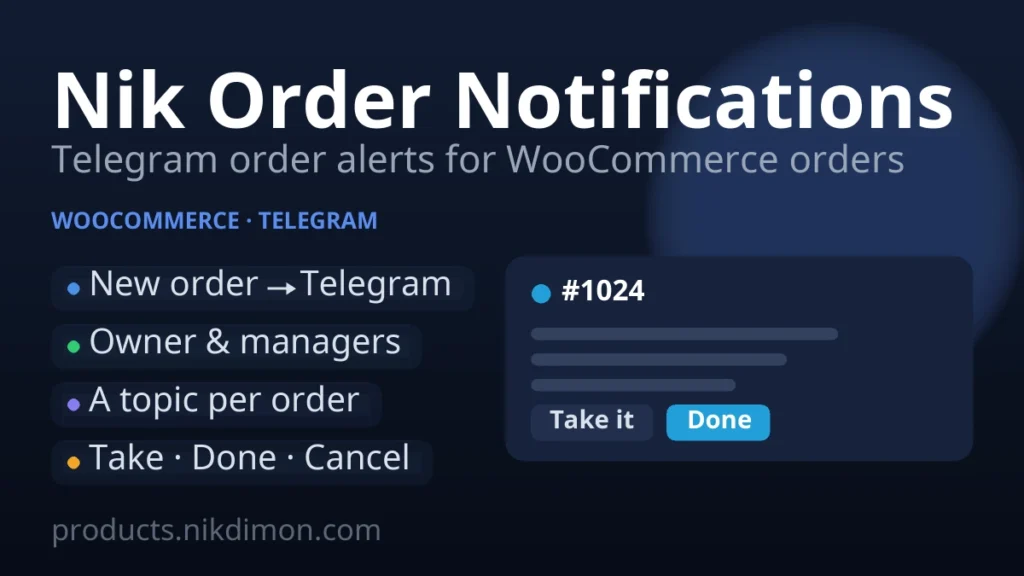
Nik Order Notifications sends every new WooCommerce order straight to Telegram — to you or your whole team. No e-mail that lands in spam, nothing sent to the customer: just a clear order card in your chat the second an order comes in.

Two modes

  • Simple notice — one message per order to your private chat with the bot, or to a group. Quiet and out of the way.
  • Managers — every order opens its own topic in a Telegram supergroup. Your team takes orders and moves their status (Take it, Done, Cancel) right from the chat, and every change is written back to the order in WooCommerce.

What the notification shows

  • Order number and status
  • Customer name, phone and e-mail
  • Ordered items with quantities and the total
  • Payment and shipping method
  • Delivery address and the customer note

Every block can be switched off if you want a shorter card.

Managers mode in detail

  • A separate topic per order keeps discussions from mixing.
  • Take it assigns the order to the manager who pressed it and moves it to your “in work” status.
  • Done and Cancel map to the WooCommerce statuses you choose.
  • A status changed in the WordPress admin is mirrored into the topic, so the chat and the store never disagree.

Telegram only

The plugin does one thing well: it tells the owner and the team about new orders through Telegram. It never messages the customer and it does not send e-mail. Works with the classic and the block (Store API) checkout, admin-created orders, and High-Performance Order Storage (HPOS).

Install

  1. Buy a licence below (€10/year), then download the plugin from your account. WooCommerce must be active.
  2. In WordPress: Plugins → Add New → Upload Plugin → choose the ZIP → Install → Activate.
  3. Activate your licence key on WooCommerce → Order Notifications → License.
  4. Open WooCommerce → Order Notifications, create a bot in @BotFather, paste the token, connect the webhook and pick your chat. The “How to set up” tab walks you through both modes.

€10 per year for one site and all of its subdomains. The licence brings automatic updates in the WordPress admin and keeps the notifications running; if it lapses, your settings and connected bot stay, and everything resumes the moment the key is active again.

Reviews

No reviews yet — be the first to share your experience.

Reviews can be left by users who have downloaded or purchased this plugin — that is why every review here is genuine.

Frequently asked questions

Is the price one-off or a subscription?

If a plugin has a Pro version, the price is always for a subscription. A plugin cannot be written once and forgotten: new versions of WordPress, WooCommerce and PHP keep coming out, third-party APIs change, and the code has to be checked and reworked all the time. The subscription covers a share of that ongoing work and support — it is not paying for the same purchase twice. Free versions stay free forever and need no subscription.

What if it does not suit me — can I get a refund?

Yes. Within 14 days of the first payment we refund in full, no questions asked. Renewals are not refundable, but you can cancel the subscription in your client area at any time — the next charge simply will not happen. Details are in the public offer.

Will the plugin keep working if I do not renew?

The free part of the plugin keeps working — your site will not break and no data is lost. What switches off is the Pro features, updates and support: the licence key stops being confirmed by our server. You can bring it all back at any time by subscribing again for the same domain — your settings stay where they are.

How do I work on a test domain?

You do not need a separate licence for testing. The key is registered for your main domain — say example.com — and works on all of its subdomains: staging.example.com, dev.example.com, test.example.com and any others. Install the plugin on a subdomain and work with the same key. If the site moves to another domain, you can change the licence domain in your client area (no more than once every 30 days).

What does the subscription support include?

Priority replies in the client-area chat and by e-mail, help with installation and setup, diagnosing conflicts with other plugins and themes, fixing bugs in the plugin itself, and every update released during your subscription.

What is not covered by support?

Custom development for your specific tasks, edits to your theme or functions.php, fixing incompatibilities with heavily customised themes and third-party plugins, and general site, hosting or WordPress setup. We do all of that — as separate paid work.

Will the plugin work on my site?

The PHP, WordPress and WooCommerce requirements are listed on every product page. We test our plugins on current versions and on popular themes — compatibility with most of them is complete, but heavily customised or exotic builds cannot be guaranteed. That is exactly why every product has a free version: install it and make sure everything works before paying for Pro.

I need specific functionality — can I order customisation?

Yes. Describe your task in the support chat and we will estimate the time and the cost. If the improvement is useful to everyone, we add it to the plugin — and then you get it for free.