
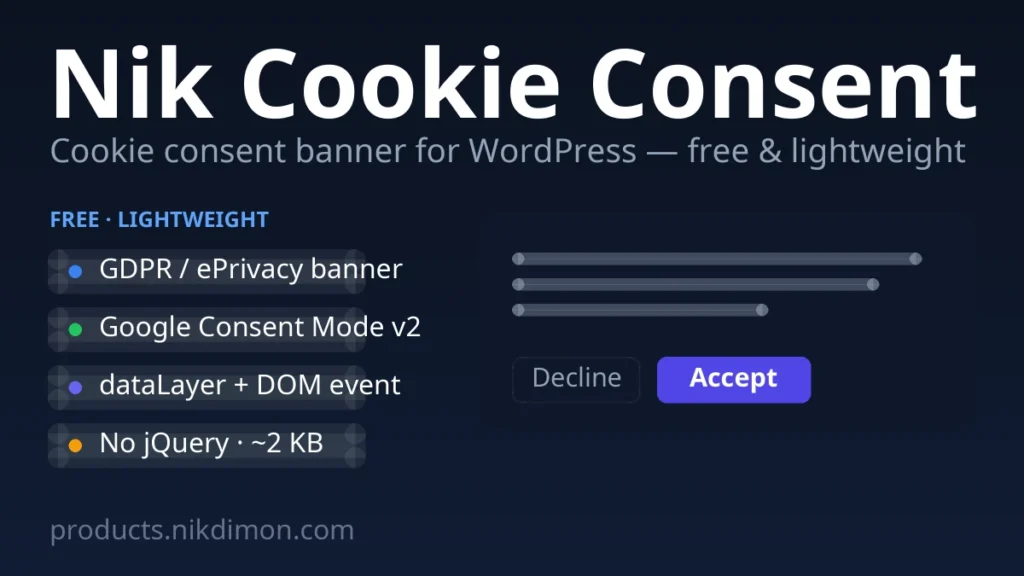
Nik Cookie Consent — lightweight GDPR cookie banner
Nik Cookie Consent is a deliberately tiny, fast cookie‑consent banner for WordPress. It does three things and nothing more: shows a GDPR/ePrivacy banner, stores the visitor’s choice, and fires the consent event so your analytics and ads can react. Free, simple, lightweight.
What it does
- Accept / Decline banner — the choice is stored for 180 days.
- Google Consent Mode v2 — storage is set to
deniedby default (before any tag fires) and updated tograntedon accept. - Fires the consent event — a GTM
dataLayerpush (nik_cc_granted/nik_cc_denied), anikcc:changeDOM event, and a bridge to Nik Analytics.
Simple settings
- Banner text in a visual editor — insert a link to your Privacy Policy and format the text.
- Accept / Decline labels and the privacy‑link label.
- Dark or light theme, position (bottom bar or corner card), accent colour.
- Re‑open the banner anytime with the shortcode
[nik_cookie_settings]orNikCookieConsent.open(). - Multilingual‑ready: banner strings register with Polylang automatically.
Lightweight by design
No external requests, no jQuery, no bundled files — about 2 KB of inline CSS/JS in the footer, plus a tiny Consent Mode default in the head. It will not slow your site down.
Install
- Download the ZIP below.
- In WordPress: Plugins → Add New → Upload Plugin → choose the ZIP → Install → Activate.
- Adjust the wording under Settings → Cookie Consent (sensible defaults ship out of the box).
Free. No registration, no payment — just download and use it.
Reviews
No reviews yet — be the first to share your experience.
Reviews can be left by users who have downloaded or purchased this plugin — that is why every review here is genuine.